
How to upgrade from Free to Pro
Upgrading uses the exact same install process as a fresh Pro install, and nothing you've already built is lost.
In short
There's no separate upgrade process - you follow the same steps as installing Pro fresh. Nothing is removed when you switch: your existing filters stay exactly as they are, and Pro's locked features simply become available.
How to upgrade
-
Buy Category AJAX Filter Pro
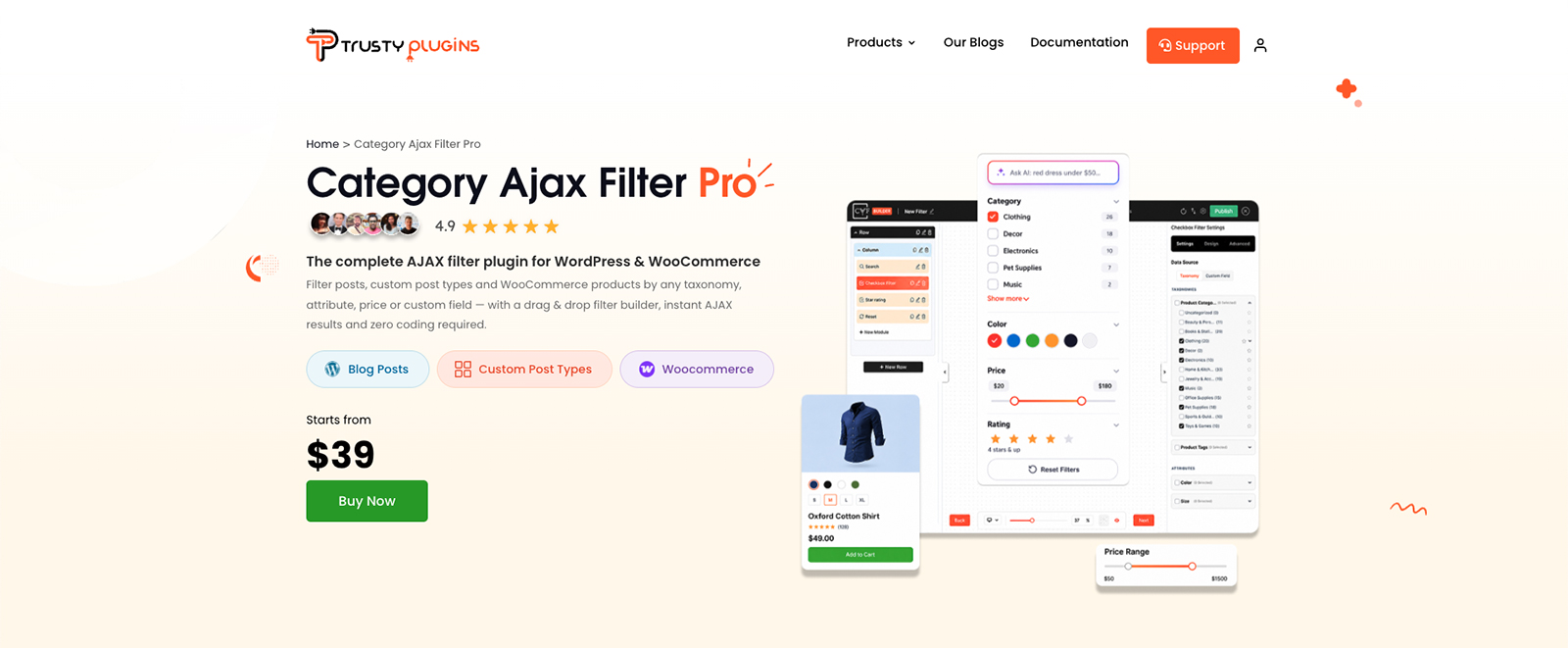
Purchase Pro from the Category AJAX Filter Pro page on trustyplugins.com.
-
Download Pro and get your license
Once purchased, your order confirmation page shows both the download and your license code together - no need to log in separately the first time. See Downloading your copy for the full walkthrough.
-
Install and activate Pro
Install and activate Pro the same way as a fresh install - your free version is deactivated automatically as part of this step. See Installing CAF Pro for the click-by-click steps.
-
Enter your license key
Go to Category Filter → License, paste in your license key and email address - from the order confirmation page the first time, or from My Account whenever you need it again - then click Activate. Nothing you've already built gets reset or removed - everything that was previously locked simply becomes available on top of what you already have.

Tip
Need more detail on the install and activation steps? Installing CAF Pro covers every click.
FAQ
Will I lose my existing filters when I upgrade?
No - everything you've already built stays exactly as it is.
Are the upgrade steps different from a fresh Pro install?
No - it's the exact same process. See Installing CAF Pro for the full walkthrough.
Was this page helpful?
Thanks for your feedback!