
What is an admin label?
An admin label renames an element in the Elements panel, so you can tell similar ones apart while you're building.
In short
Type a name into Add Admin Label and the element carries that name in the Elements tree instead of its generic one. It's purely for your own benefit while building - visitors never see it, and nothing about how the element works changes.
Naming an element
The group holds a single field. It comes into its own once a filter has a few similar modules in it: a column holding three Checkbox Filters shows three identical entries in the Elements tree, and you have to click each one to find out which is which. Label them Category, Colour and Size and the tree tells you at a glance.
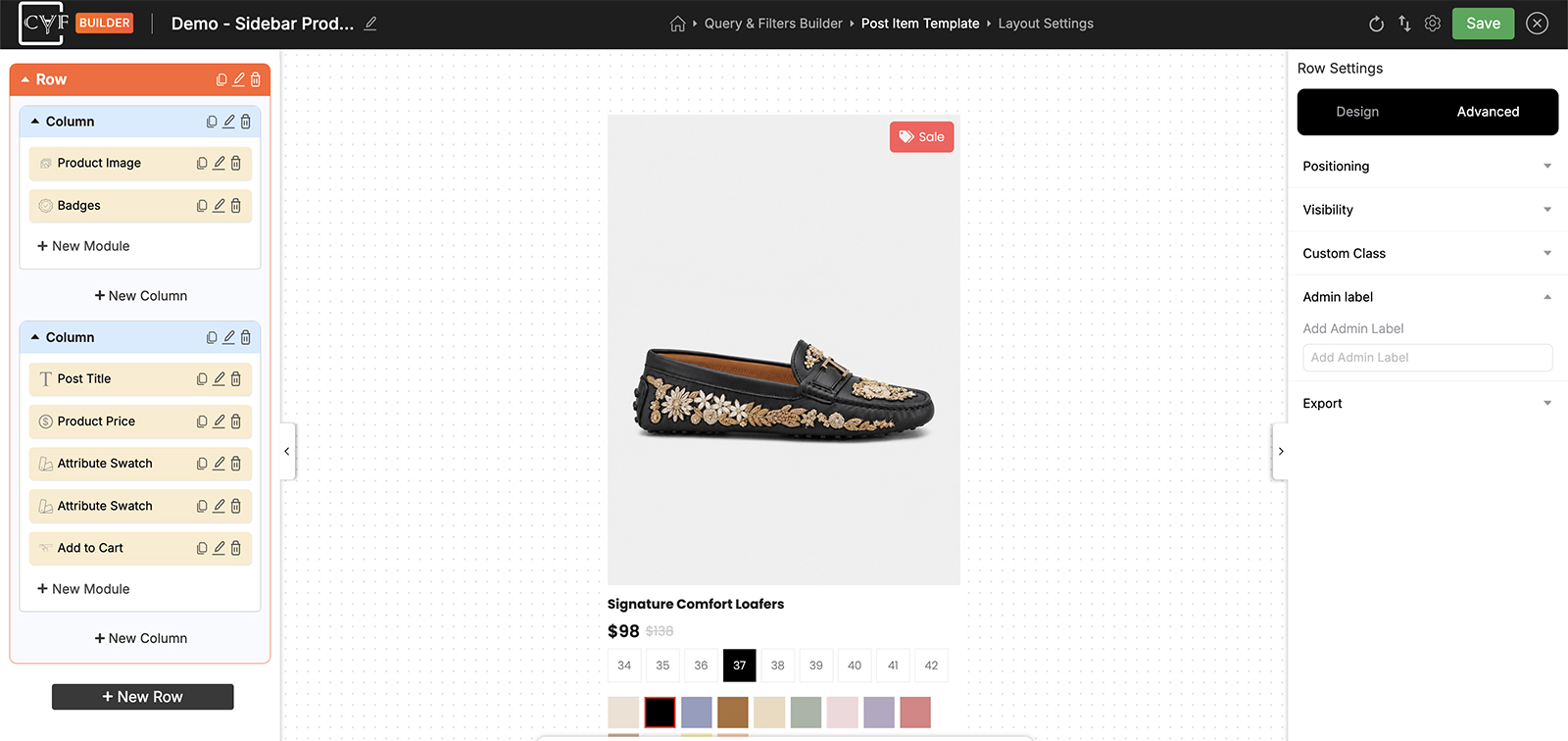
One field, renaming the element in the Elements tree.

Tip
Name elements after what they do rather than where they sit. “Colour filter” still makes sense after you've rearranged the layout; “Second from top” doesn't.

Note
The label is builder-only. It doesn't appear on your site, doesn't change what the module does, and has nothing to do with the label your visitors see on a filter - that's set in the module's own Settings tab.
FAQ
Do visitors see the admin label?
No - it only appears in the builder's Elements panel.
Is this the same as the filter's label?
No. The label visitors see comes from the module's Settings tab. This one is just a name for you.
Does it change how the element behaves?
No - it's a name and nothing more.
What if I leave it empty?
The element keeps its default name, like Checkbox Filter.
Was this page helpful?
Thanks for your feedback!