
How to import & export elements
A single row, column or module can be exported on its own and brought into another filter - through a different route from whole layouts.
In short
Export one element from the Export section at the bottom of its Advanced tab. Import one from the New Module, New Column or New Row button, which offers Import Module, Import Column or Import Row alongside creating an empty one. Neither goes through the import/export dialog in the top bar.
Exporting an element
Click the pencil on the row, column or module you want, open its Advanced tab, and open the Export section at the bottom. It exports just that element, and the button names what you've selected (Export Module JSON, Export Column JSON or Export Row JSON). A JSON file downloads to your computer.
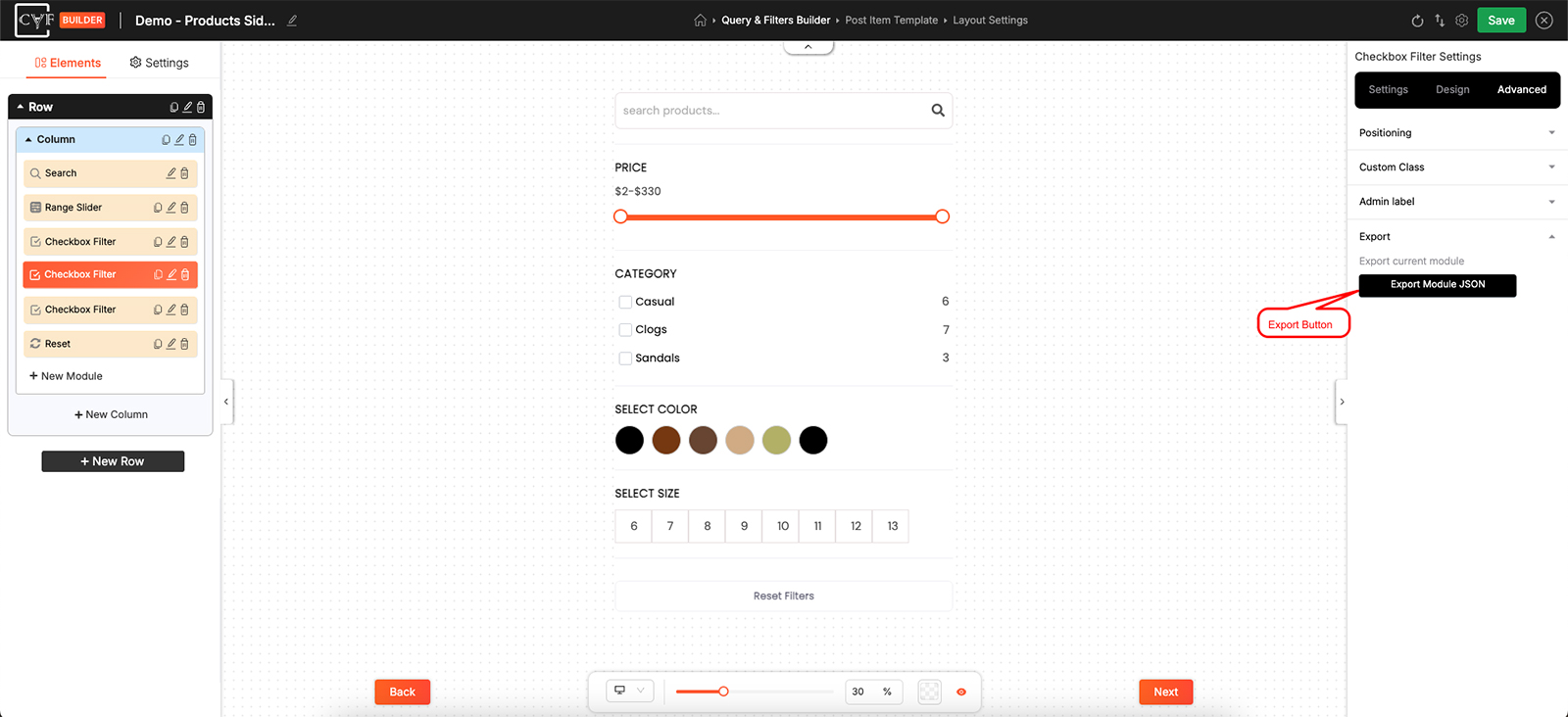
Every row, column and module can be exported on its own.
Importing an element
Importing happens where you'd normally add something new. Click New Module, New Column or New Row in the Elements panel and a short menu appears with two choices - create an empty one, or Import Module, Import Column or Import Row. Choose the import option and select your JSON file.
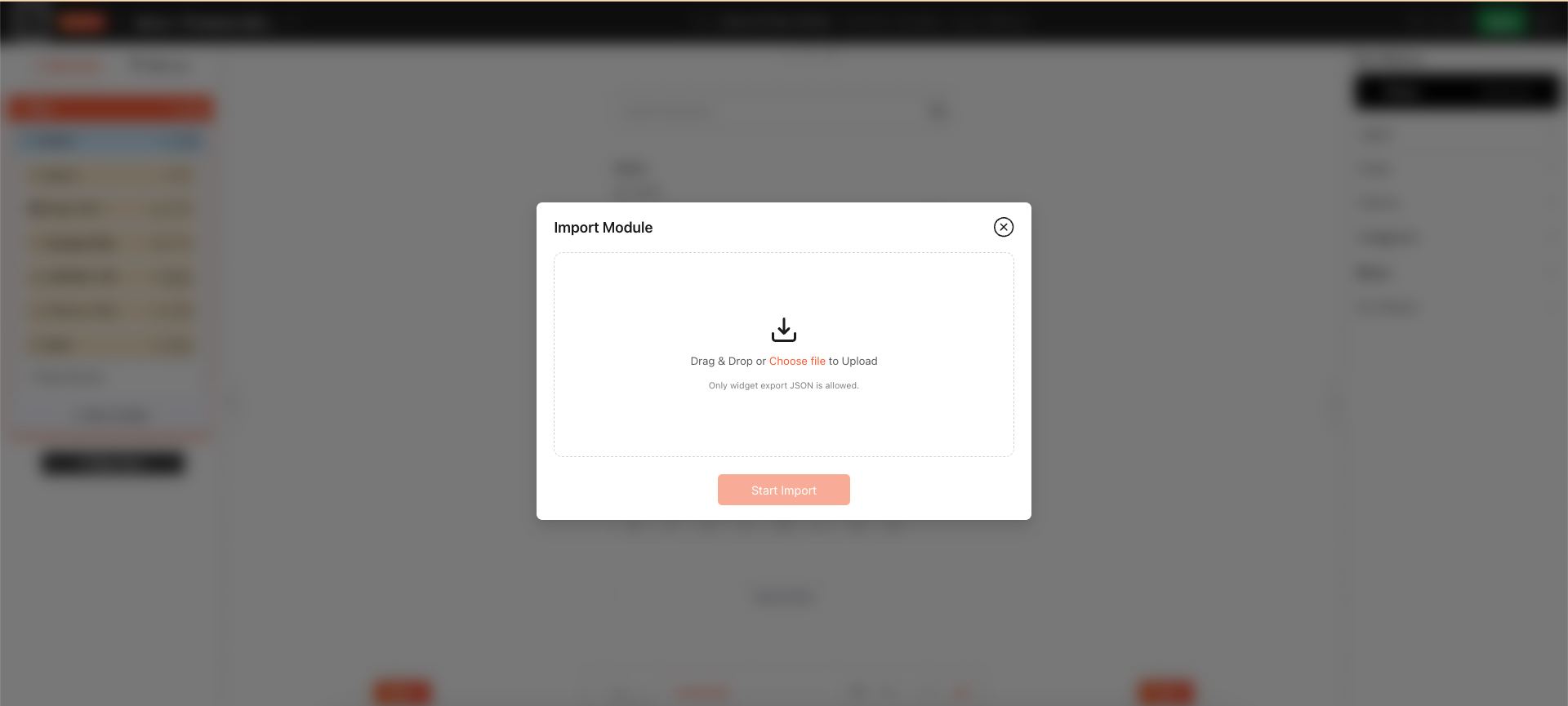
The same button that creates an element also imports one.

Warning
If the module you're importing is a Checkbox Filter, Dropdown Filter or Range Slider, select its source again once it arrives, and re-apply anything attached to individual terms - icons, colours and images. The rest of its settings and its full styling come across unchanged; only the term data has to be redone.

Tip
Import into the level that matches what you exported - a module goes in through New Module, a row through New Row.
How this differs from layouts
The two are separate systems rather than two sizes of the same one. Elements move one item at a time, from the element's own Advanced tab and the New Module menu. Whole layouts move through the import/export icon in the top bar and cover the filter, the post item or the entire design - see Import & export layouts.
FAQ
Where do I export a single module from?
Open its Advanced tab and use the Export section at the bottom.
How do I import a module someone sent me?
Click New Module in the Elements panel and choose Import Module, then select the JSON file.
Can I do this from the import/export icon in the top bar?
No - that dialog handles whole layouts. Single elements are exported and imported from the element itself.
Can I move an element to another site?
Yes - the export is a JSON file, so you can import it on any site running CAF. A filter module will need its source and term data set up again.
Why is my imported filter module empty?
Its source has to be selected again after an import - the terms don't come across with it.
Was this page helpful?
Thanks for your feedback!