
How to sort filter terms & categories
Putting the terms in a filter into the order you want them read.
In short
Select a Checkbox or Dropdown filter on the canvas and a Sort option appears above its terms or custom fields. It opens Sort Filter Terms, where you drag them into the order you want and click Save Order. That order is what visitors see on your site.
Reordering the terms
Select the filter on the canvas and a Sort option appears just above its terms or custom fields, whichever the filter is drawing on. Choosing it opens Sort Filter Terms, which lists everything the filter is showing. Drag them into the order you want and click Save Order - or Cancel to leave things as they were.
The order you save is the order visitors get, not just something that applies while you're editing.
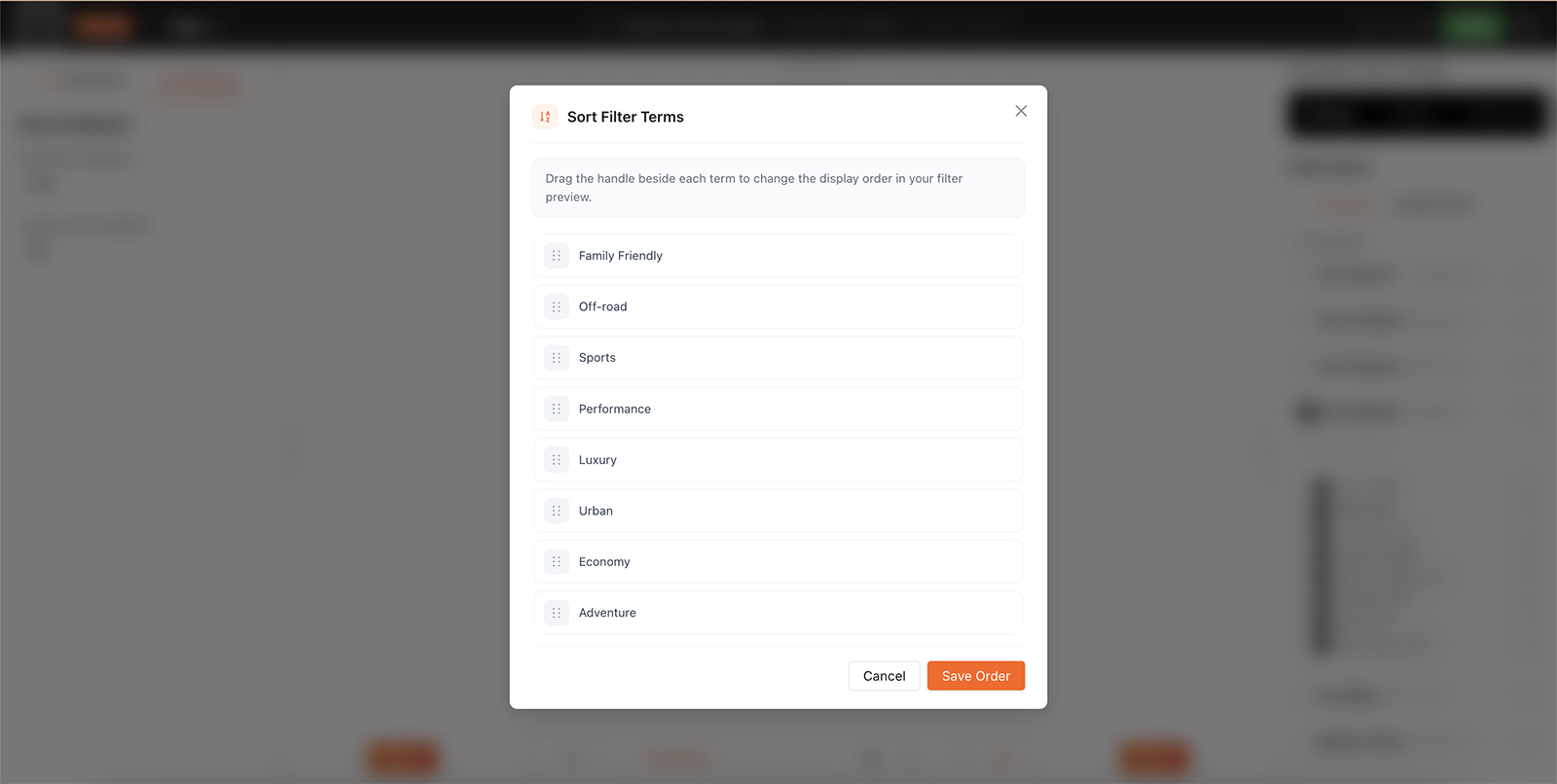
Drag the terms into order, then Save Order.

Tip
Alphabetical rarely matches how people read a list. Sizes read better small to large than in dictionary order, and putting your best-selling categories at the top of a long list saves everyone scrolling.

Note
Sorting is offered on Checkbox and Dropdown filters - the modules that present a list to choose from, whether that list comes from a taxonomy or a custom field.
FAQ
Where is the Sort option?
Select the filter on the canvas - it appears above the terms or custom fields.
Which filters can be sorted?
Checkbox and Dropdown filters.
Does the order apply to my live site?
Yes. The saved order is what visitors see.
I dragged the terms but nothing changed - why?
The order isn't kept until you click Save Order.
Was this page helpful?
Thanks for your feedback!