
Analytics settings
One toggle that starts recording how visitors actually use this filter.
In short
Analytics has a single Enable switch. Turn it on and the filter starts recording what visitors search for, which terms they select, how many results each query returned and what kind of device they were on. The reports live in the plugin's Analytics screen. It's off until you turn it on, and it applies to the filter you're editing.
What gets recorded
With Enable on, four things are logged each time someone uses the filter on the front end:
- The terms typed into the Search module - including the ones that came back with nothing.
- The filter selections made - which categories, terms or product attributes were clicked.
- The number of results each query returned, which is how a query that found nothing gets spotted.
- The kind of device the visitor was on, so the reports can separate desktop from mobile.
None of it identifies anyone. What's stored is the query, the result count and the device type - there's no visitor record attached.
It all goes into your own WordPress database, on your own site. Nothing is sent to us or to any third-party service, and none of it is pooled with data from other sites - it's your data, sitting where the rest of your site's data sits.
Where the reports are
The switch is per filter, but the reporting isn't inside the builder. Everything recorded feeds one screen - Category Filter → Analytics in the WordPress admin menu - where it's split into three views:
- Analytics dashboard - the overall picture of how the filters are being used.
- Zero-result searches - what people looked for and didn't find.
- Top searches & devices - the most common queries, split by the device they came from.
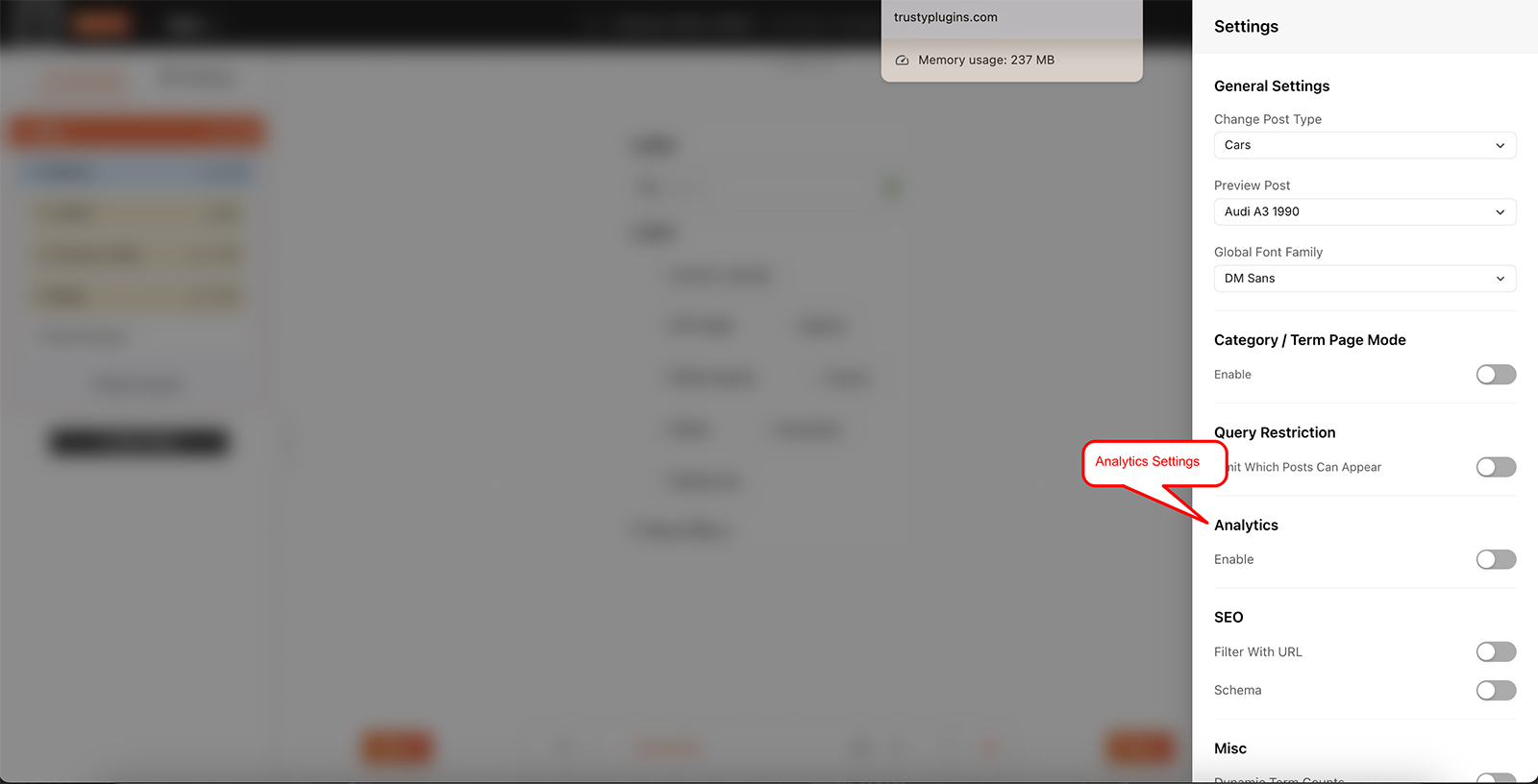
A single Enable switch, off by default.

Tip
Zero-result searches are the most useful thing here. They tell you what people expected to find on the site and didn't - sometimes something you don't have, but often something you do have under a name nobody searches for.

Note
Turning Enable back off stops new recording. Anything already collected stays in the reports - switching off doesn't clear it.
FAQ
Is analytics on automatically?
No - Enable is off until you turn it on, and you turn it on per filter.
Where do I see the data?
Category Filter → Analytics in the WordPress admin menu, alongside Filters, License and Logs.
My Analytics screen is empty - why?
Nothing has been recorded yet. Check Enable is on in that filter's Global Settings, then give the filter some front-end use.
Does it store anything about the visitor?
No. Only the query, how many results it returned and the device type.
Where is the data stored - does it leave my site?
It's saved in your own WordPress database and goes nowhere else. Nothing is sent to us or shared with any third-party service.
If I turn it off, do I lose what was collected?
No. Recording stops, but the existing data stays in the reports.
Do I have to turn it on for every filter?
Yes if you want data from each one - the switch belongs to the filter you're editing. The reports then pool into the one Analytics screen.
Was this page helpful?
Thanks for your feedback!