
How revisions work
The builder keeps earlier versions of your filter as you work, so a change you regret can be rolled back.
In short
Revisions are created automatically as you build - you don't have to do anything. Open them from the revisions icon in the top bar and restore any one to roll the filter back to that version. The free version keeps your 2 most recent revisions; Pro keeps 10.
How revisions work
Revisions are recorded automatically while you work - there's nothing to switch on and no snapshot to take by hand. Open them from the revisions icon in the top bar, pick the version you want, and restore it.
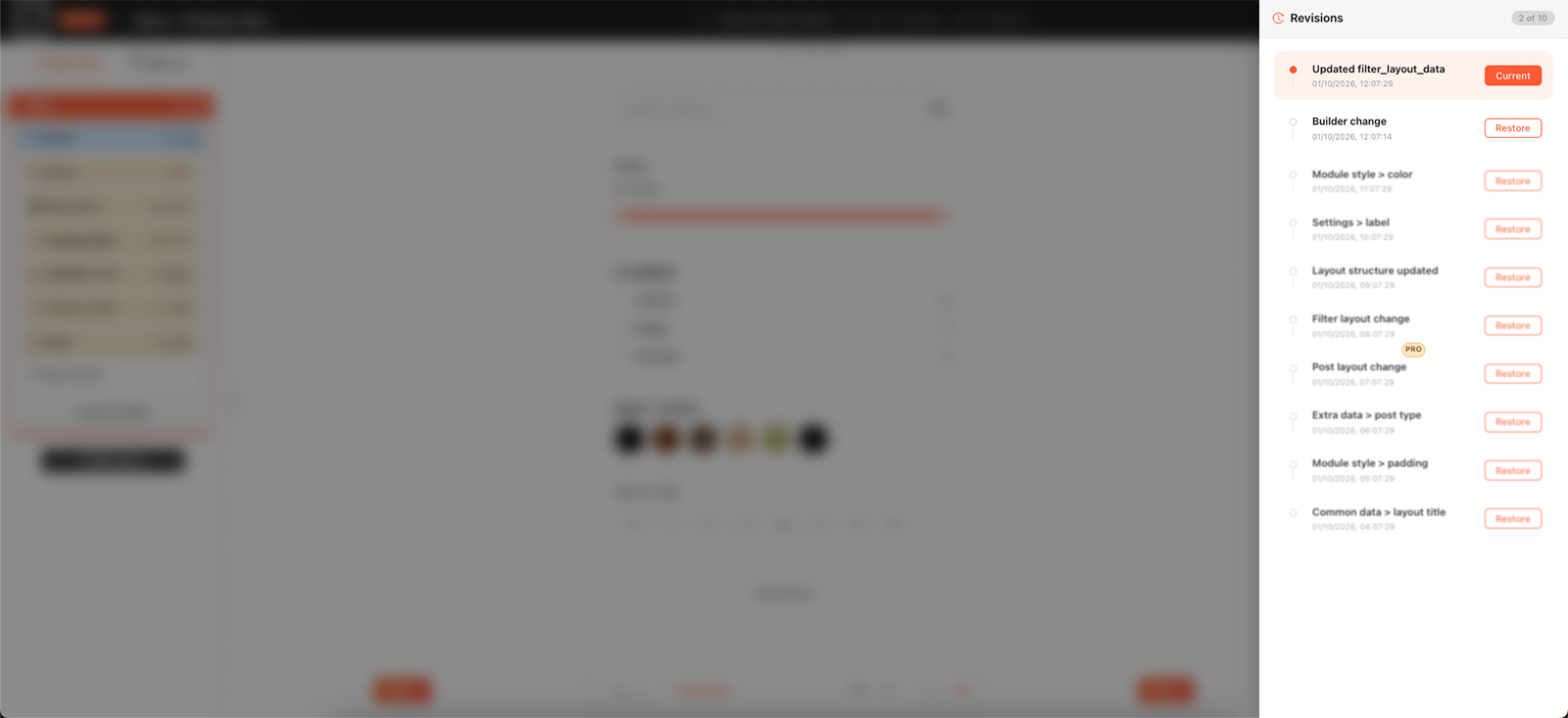
Earlier versions are kept automatically as you build.

Careful
Restoring replaces your current work with the version you picked. Anything you've changed since that revision is lost, so check you've chosen the right one before restoring.
How many are kept
Revisions are a rolling history rather than a permanent archive. Once you reach the limit, each new revision pushes out the oldest one - so it's the recent past you can return to, not the whole life of the filter.
More revisions to fall back on
The free version keeps your 2 most recent revisions. Category AJAX Filter Pro keeps 10, which gives you far more room to undo a change you made several sessions ago rather than only the last one or two.

Tip
Revisions cover changes you've already saved. If you've just deleted something and haven't saved yet, leaving the builder without saving is the simpler way back - see Deleting rows, columns & modules.
FAQ
Do I have to create revisions myself?
No - they're recorded automatically as you work.
How many revisions are kept?
2 on the free version, 10 with Pro. Once you're at the limit, each new revision replaces the oldest.
What happens to my current work when I restore?
It's replaced by the version you restored, so anything changed since then is lost.
Is Revisions a Pro-only feature?
No - it works in the free version too, just with a shorter history.
Was this page helpful?
Thanks for your feedback!