
How to rename a filter
A filter's name is only a label for you - rename it whenever you like without affecting anything on your site.
In short
Open the filter in the builder and click the pencil beside its name at the top left. The shortcode stays exactly the same, so anywhere you've already placed the filter keeps working.
Renaming a filter
-
Open the filter in the builder
Renaming is done in the builder, so open the filter from the All Filters screen - see Navigation.
-
Click the pencil beside the name
The filter's name sits at the top left of the builder with a pencil icon next to it. Click the pencil, type the new name and confirm it. The name is saved straight away, and you'll see the message "Filter label updated."
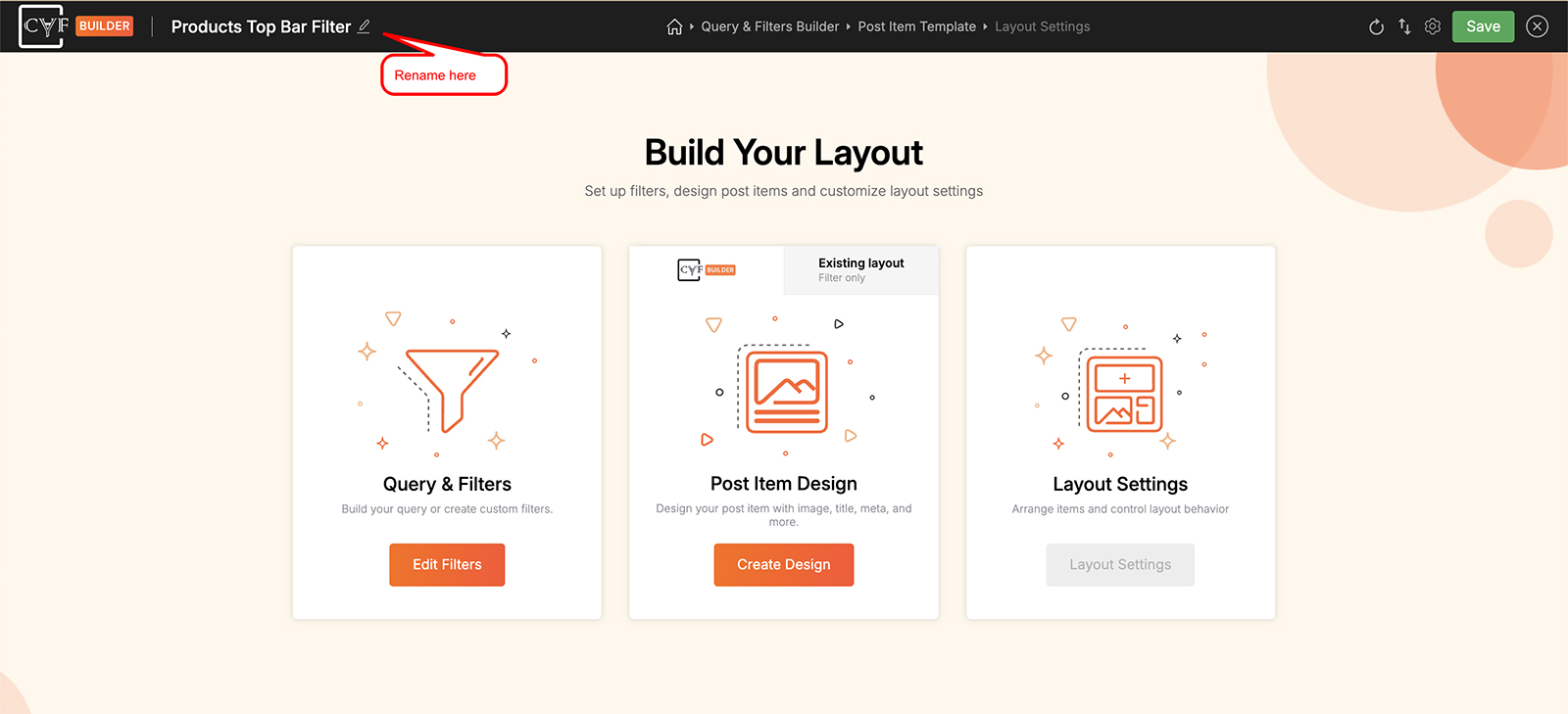
The name is edited in place, right where it sits.

Note
Renaming changes the label and nothing else. The shortcode keeps the same ID, so every page, post or widget where you've already placed this filter carries on working untouched.
FAQ
Will renaming break my shortcode?
No - the shortcode ID stays the same, so existing placements keep working.
Can I rename a filter from the All Filters screen?
No - renaming is done in the builder, using the pencil beside the filter's name.
Was this page helpful?
Thanks for your feedback!