
Post author module
Who wrote it - as a name, and optionally a face.
In short
Post Author shows the author's name on each result. With Pro you can add something of your own either side of it: a word, an icon, or the author's avatar. The avatar is sized on the Design tab like anything else, so it can be a small circle beside the name or a larger portrait above it.
Prefix and Suffix
The name comes from the post and can't be edited here. What you can add is something before it and something after it.
| Setting | What it does | Plan |
|---|---|---|
| Prefix | Something before the name. Switch it on, choose Text, Avatar or Icon, and set it. | ★ PRO |
| Suffix | Something after the name. Same again, chosen separately. | ★ PRO |
A byline, not just a name
The free version prints the author's name. With CAF Pro you get a prefix and a suffix either side of it, and each can be text, an icon or - the one that changes how the result reads - the author's avatar. A name on its own is small print; a face beside a name is a byline, which is what you want on a magazine, a multi-author blog, or a directory of contributors.
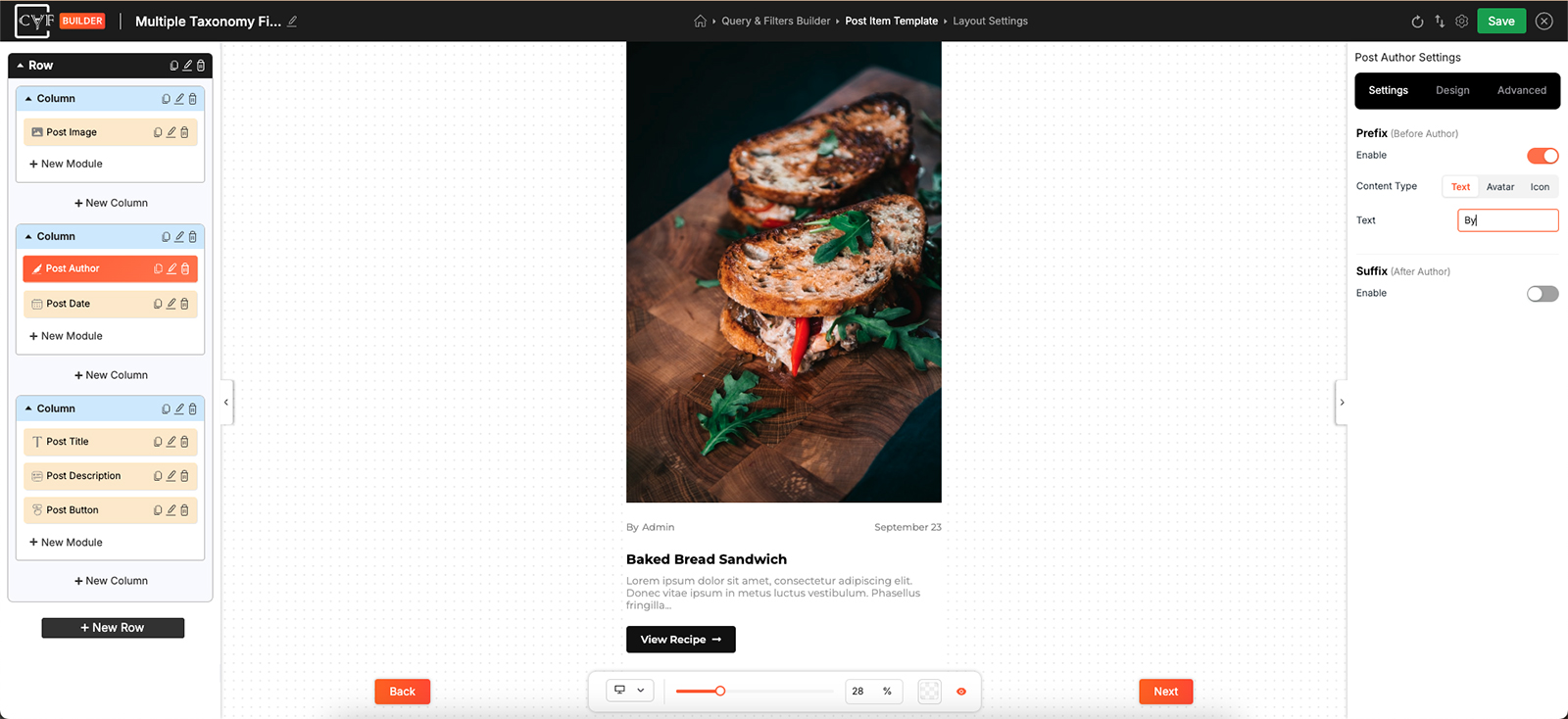
Text, avatar or icon, on either side.
The avatar
Choosing Avatar as the content type puts the author's profile picture in place of a word or an icon. It's the setting that turns a line of small print into something that reads as a byline - a face beside a name says who wrote this in a way the name alone doesn't.
It arrives at whatever size the picture happens to be, so it almost always needs sizing to suit the item. That's the Sizing group on the Design tab: set it small and round for a byline running alongside a date, or larger for a listing where the author is part of the point.
A linked title is what most visitors reach for, so this is one to leave on unless something else in the item is carrying the click.
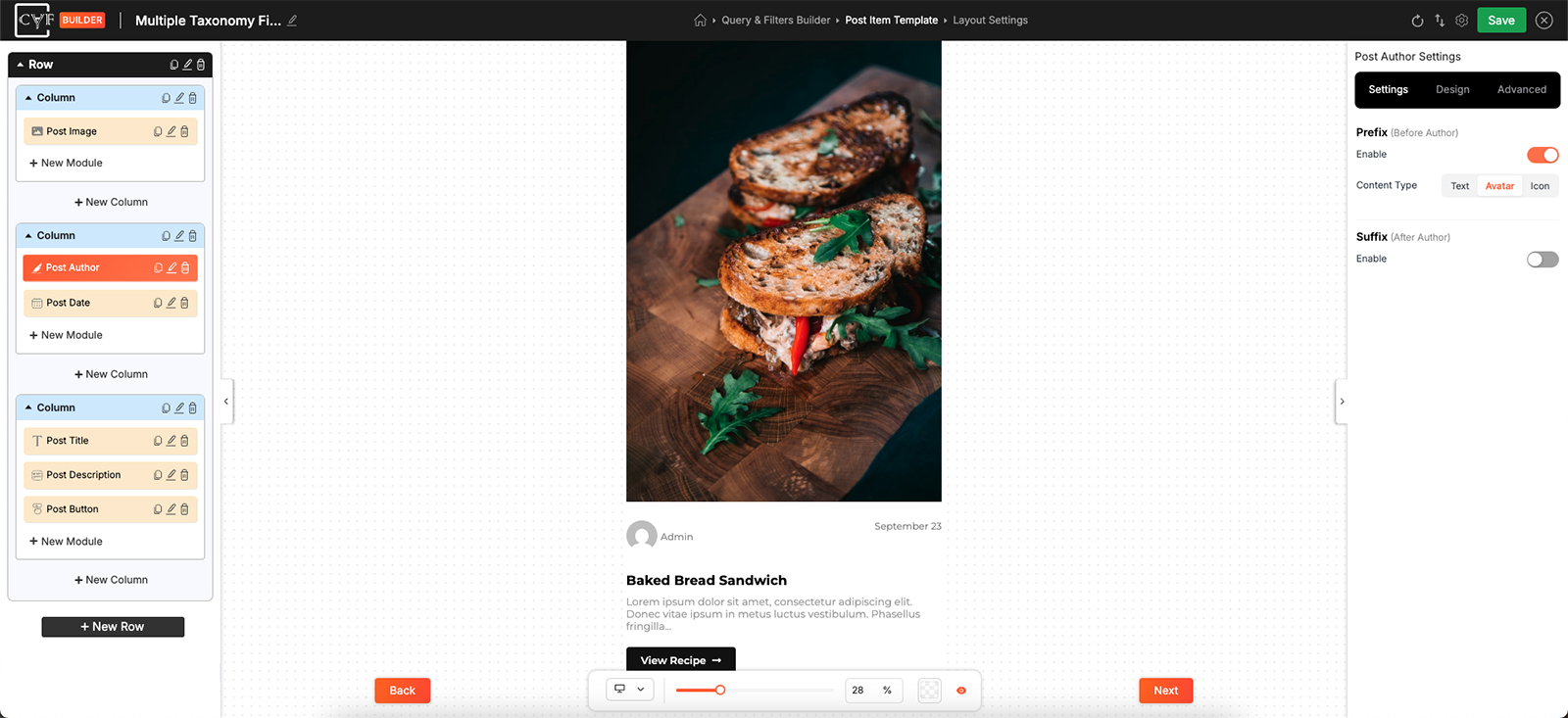
The avatar sized to sit alongside the name.

Tip
An avatar is worth having where the writer matters - a magazine, a multi-author blog, a directory of contributors. On a shop, where the author is whoever happened to add the product, it's noise. Show the module at all only where the answer is interesting.
Styling
How it looks comes from the Design tab, with the usual groups - Layout, Text, Sizing, Spacing, Background, Border and Box Shadow
Two of them do most of the work here. Sizing controls the avatar, as above; Layout arranges the name against whatever sits beside it - which side comes first, how they line up, and the gap between them. A round avatar is a border-radius on the Border group.
FAQ
How do I show the author's photo?
Set the prefix or suffix Content Type to Avatar. The prefix and suffix are Pro.
The avatar is too big.
Size it in the Sizing group on the Design tab.
How do I make the avatar round?
Apply a border radius in the Border group.
Can I change the author name?
No - it comes from the post. The prefix and suffix are where your own wording goes.
Can I have an avatar on one side and text on the other?
Yes - the content type is chosen separately for each side.
Was this page helpful?
Thanks for your feedback!